Setup & support

Install the call, batteries, back and feet, then pair your remote.

Contact product support

Install the call

See how the mechanical Chatter Box fits inside the decoy body.
1:17
Open in Vimeo
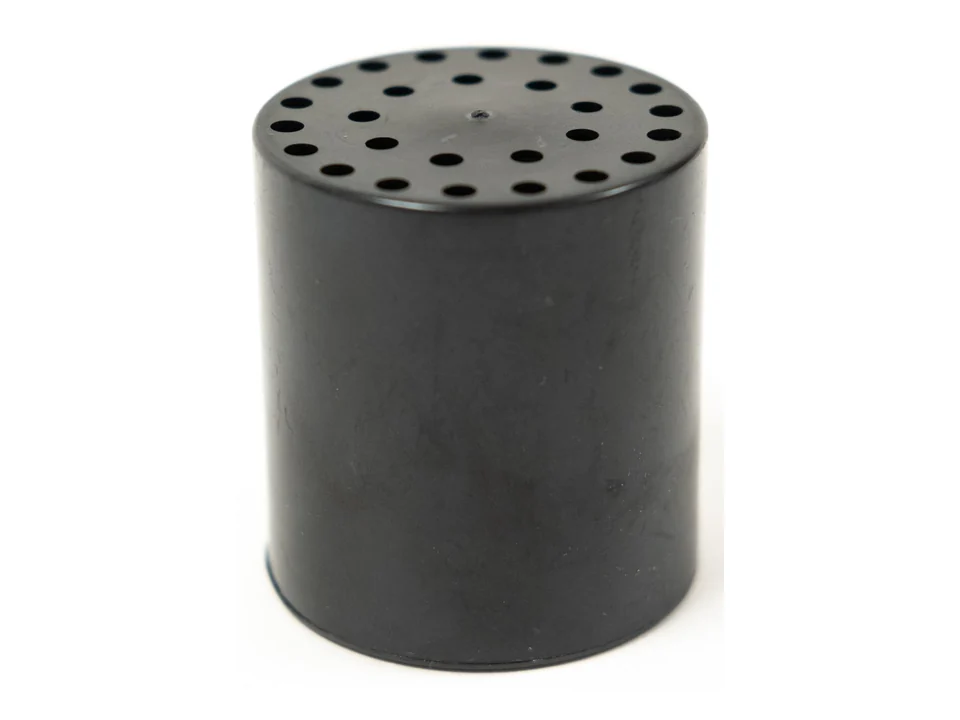
  1. Lift the decoy’s back to expose the round call holder.
  2. Set the call can level in the holder with its holes facing down, as shown in the video.
  3. Support the holder with two fingers and press evenly on top of the can with your thumbs until it sits flush.
Replacement part

Install the batteries

See where the batteries go and how to secure the covers.

1:26
Open in Vimeo
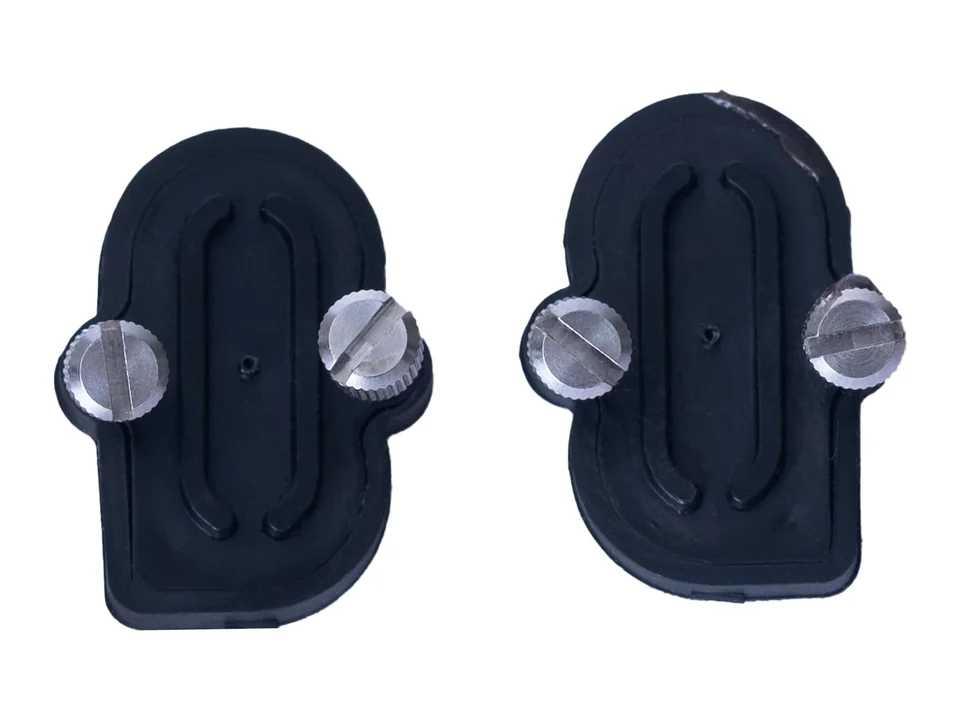
  1. Lift the back and loosen the screws on both battery covers by hand. The screws stay attached to the covers.
  2. Insert two batteries in each compartment, following the plus and minus markings on your decoy.
  3. Line up the pointed edge of each cover with its matching compartment and finger-tighten the screws.

Replacement part

Fit the back and feet

Watch how the matching back and both swimming feet attach to the decoy.

1:45
Open in Vimeo
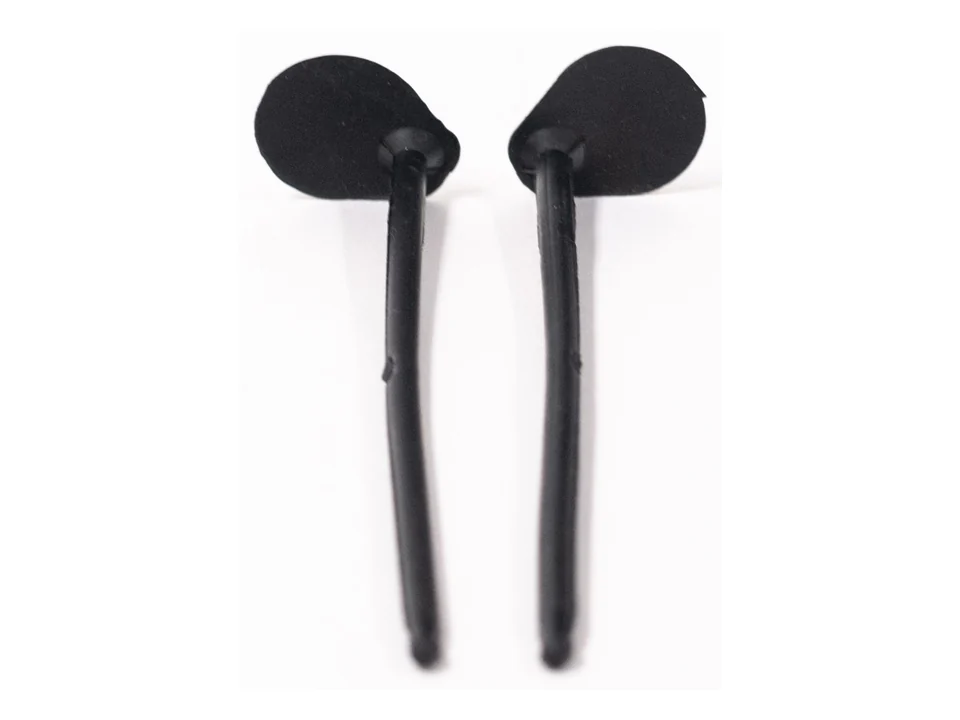
  1. Slide the two feet into the holes in the back. For forward movement, point both feet toward the tail.
  2. Set the back on the decoy so the magnets hold it in place.
  3. To set the depth, lift the back, turn the cam so its high side faces inward, then lower the back. Float the decoy and slide each foot up or down until the paddle sits at the water’s surface.

Pair the remote

Use this guide to pair your four-function remote with your decoy.

5:10
Open in Vimeo
  1. Lift the back and turn on the switch beneath the head. Lower the back and wait for the decoy to stop moving.
  2. Hold the letter button you want to assign for 15 seconds, then release it.
  3. Test it with a quick tap of the same letter. If you’re assigning different letters to multiple decoys, leave only the decoy you’re pairing switched on.

Replacement part

Contact product support

Tell us which decoy or part you need help with. Include your order number if you have one.

Lost your remote?

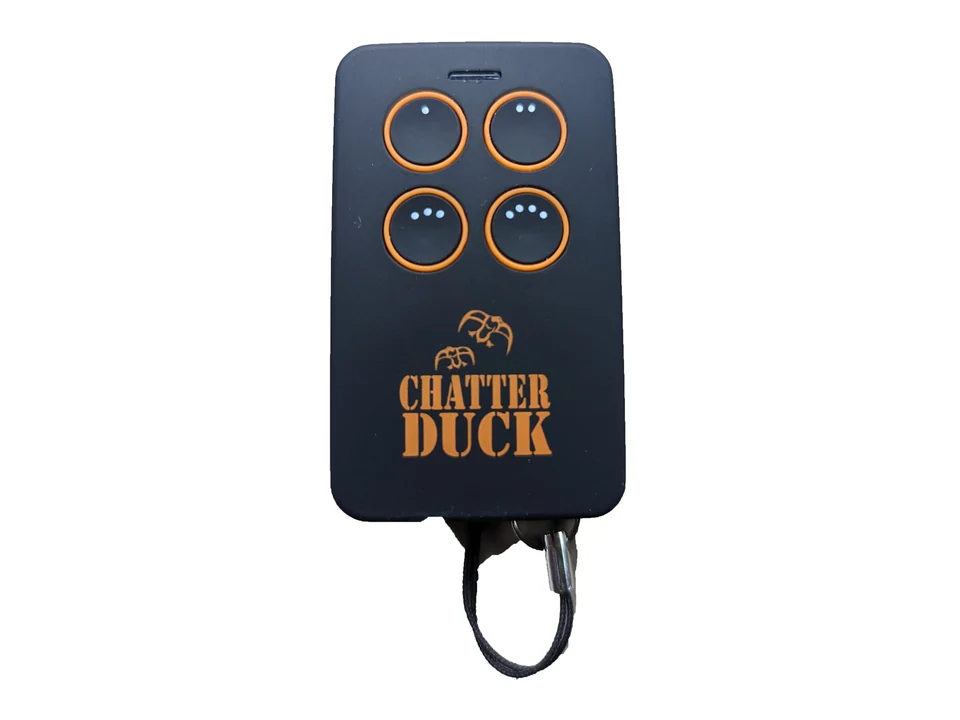
You can buy a replacement remote and pair it with your decoy using the pairing guide.

Shop the replacement remote